
To remove an AP from an existing project:
Step1: On the Project interface, select the project where the AP resides, and click AP to enter the AP management interface.

Step 2: Click the  icon in the Action column of the AP to be deleted.
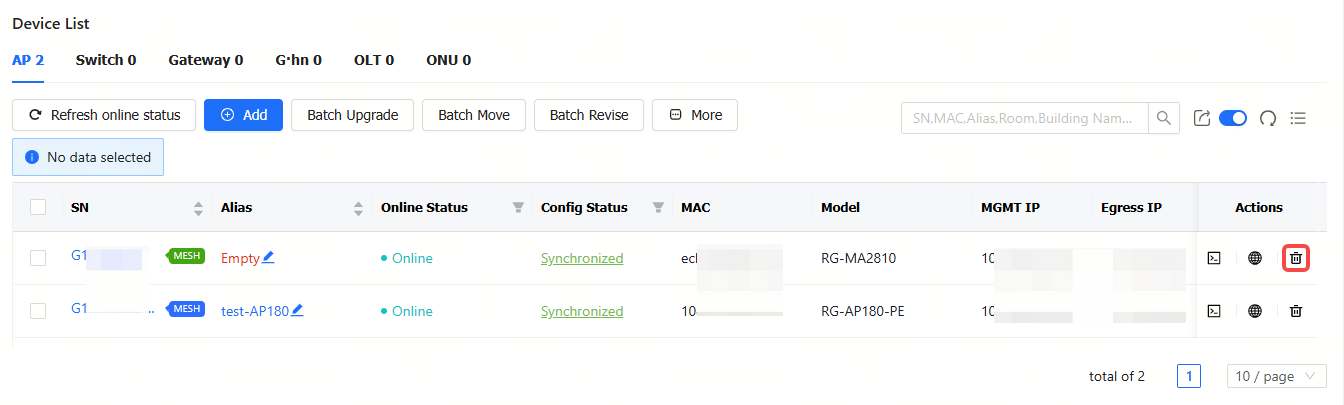
Step 3: When the deletion confirmation prompt appears, click OK.
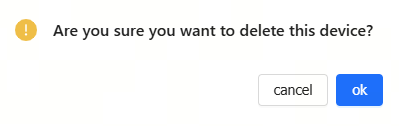
Step 4: When the "Succeeded" prompt appears, the operation is completed.

To remove APs from an existing project in batches:
Step 1: Select the APs to be deleted, click More, and then click Delete. If you want to delete all APs, you can check the Select All checkbox.
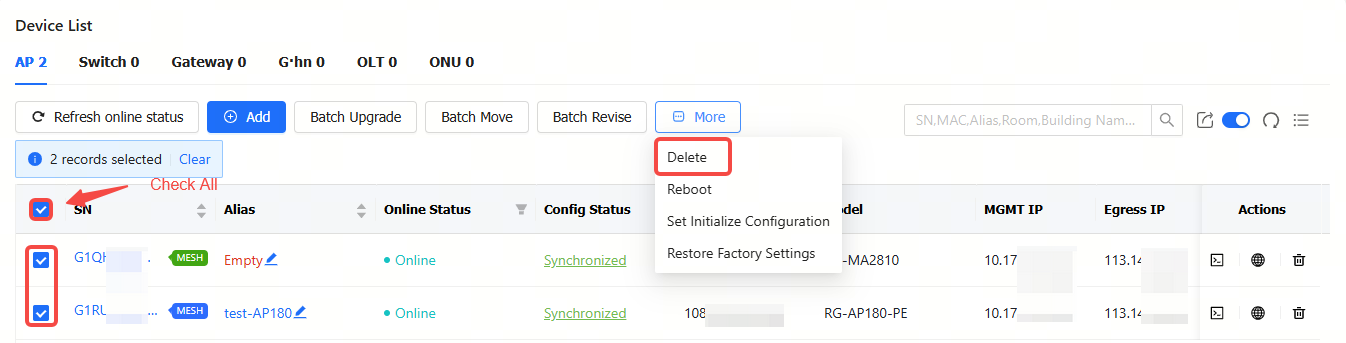
Step 2: After "Are you sure you want to delete the device?" prompt appears, click OK.

Step 3: After the "Succeeded" prompt appears, the operation is completed.
全部评论