
Follow the steps below to delete the OLT(s) from an existing project.
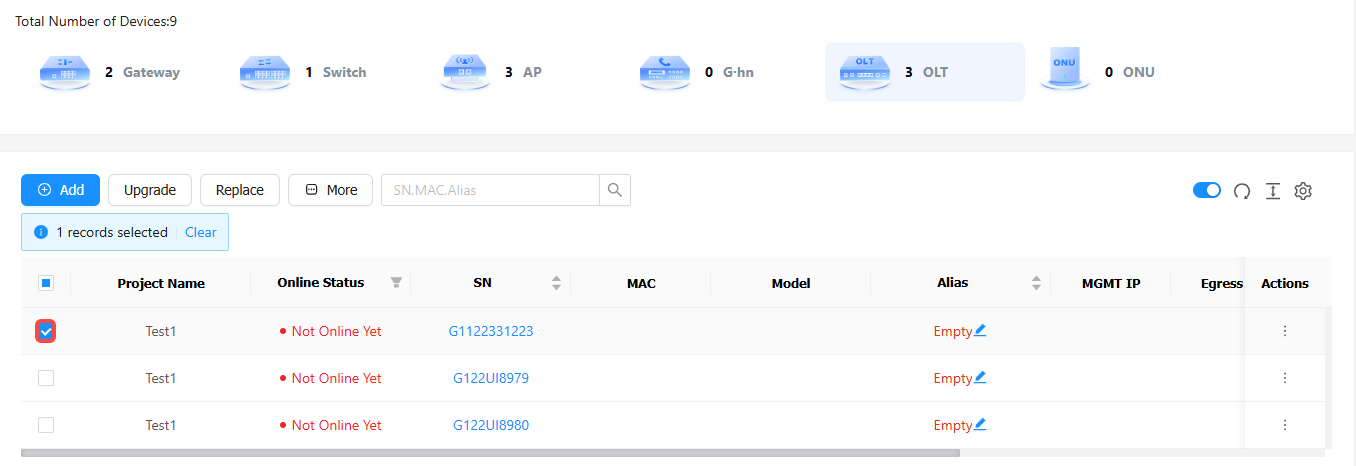
Step 1: Select the OLTs to be deleted.
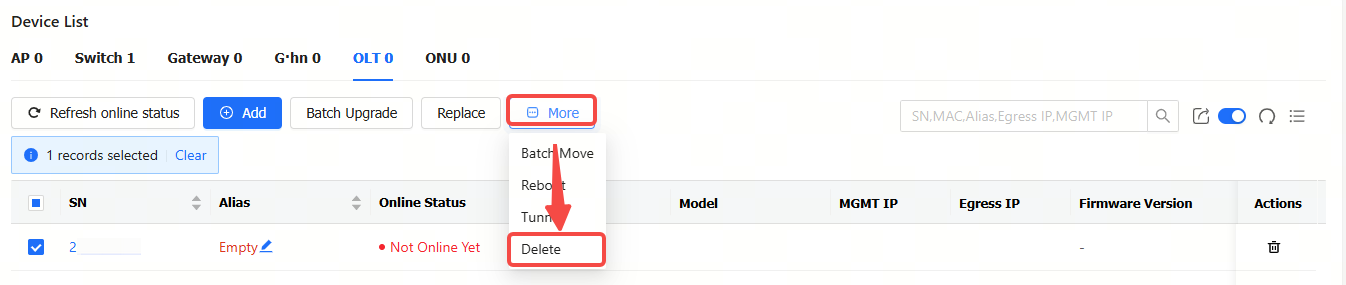
Step 2: Click More, and then click Delete.
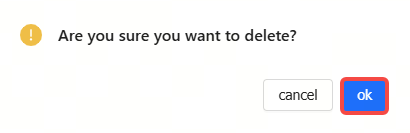
Step 3: Click OK in the operation confirmation box. When the "Succeeded" prompt appears, the operation is completed.
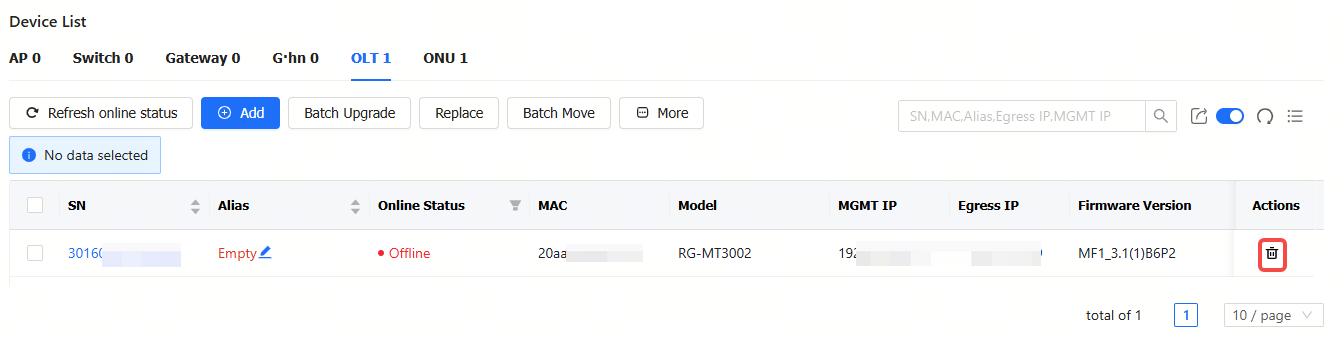
In addition to the above deletion method, users can click the delete icon in the Action column of the OLT to be deleted.
全部评论