
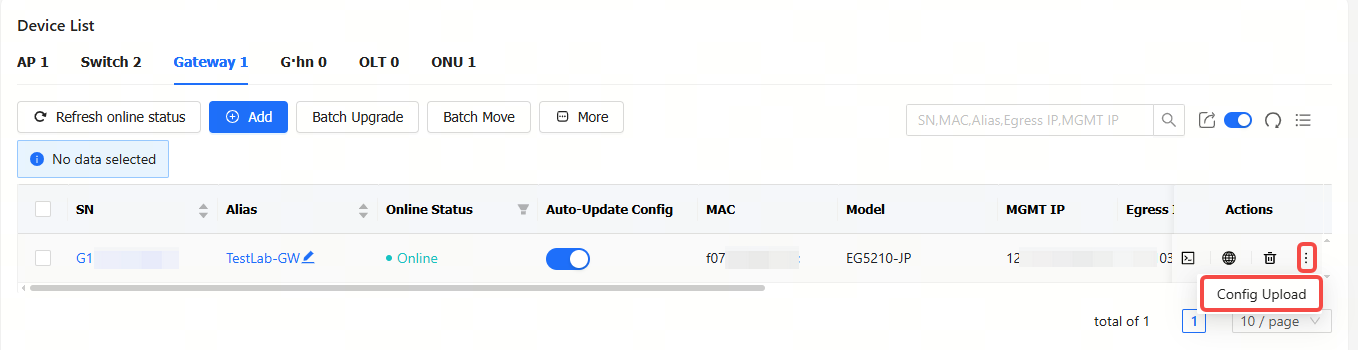
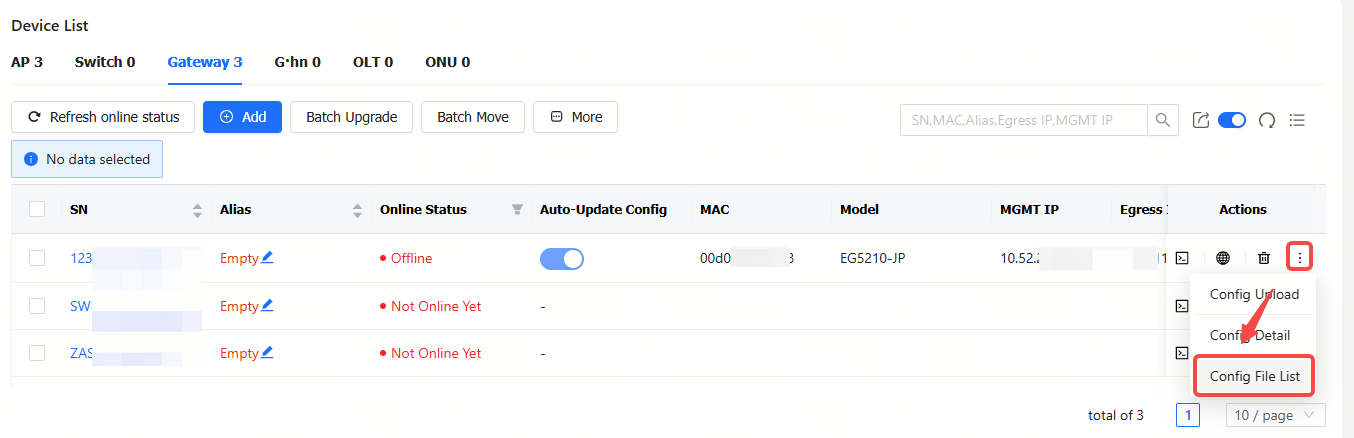
Step 1: Click the  icon in the Action column of a gateway, and then click Config Upload.
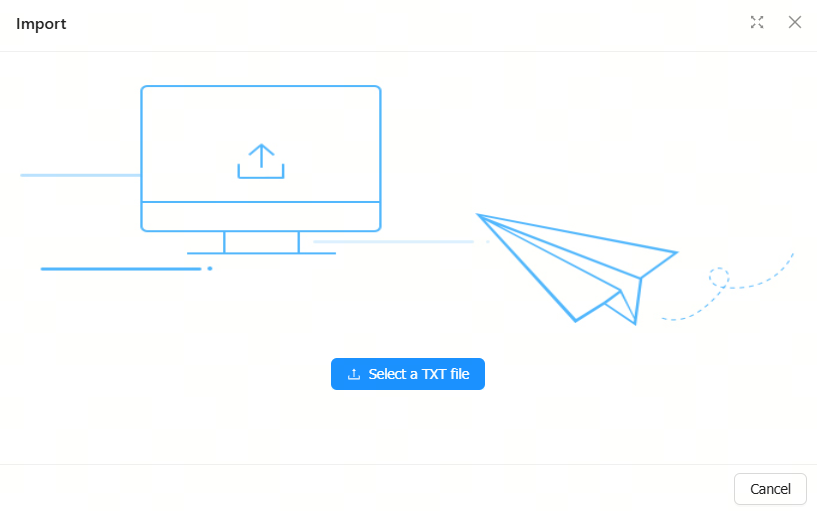
Step 2: Click Select a TXT file to upload a configuration file.
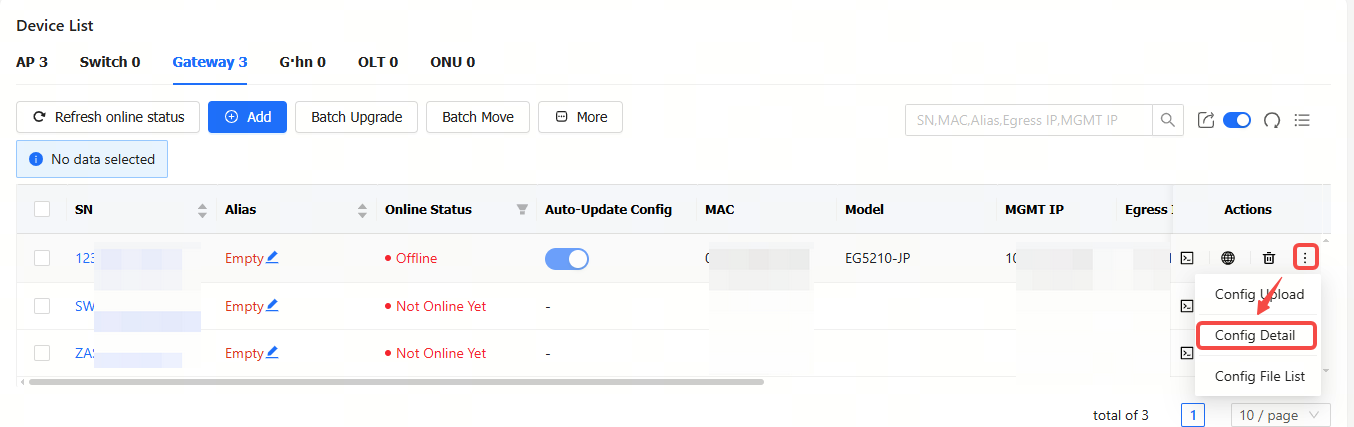
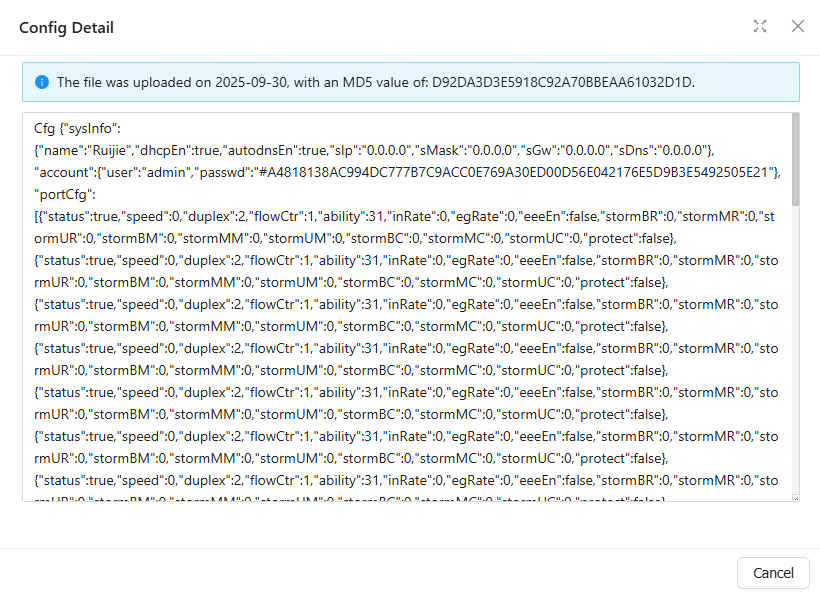
Click Config Detail to check the detailed configurations.
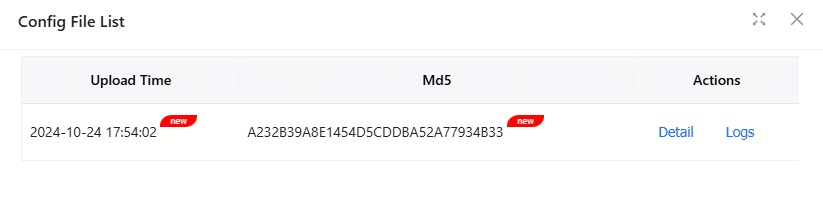
Click Config File List to check the configuration file list.
全部评论